When your washing machine starts acting up — refusing to drain, shaking violently during spin cycles, or displaying cryptic error codes — your first instinct might be to call a repair technician. But before you pick up the phone, there’s a powerful built-in tool that most homeowners don’t know about: diagnostic mode.
Nearly every modern washing machine from major brands like Samsung, LG, Whirlpool, Maytag, GE, and Bosch has a hidden diagnostic (or service) mode that tests individual components and reveals stored error codes. Learning to use this mode can help you identify the exact problem, potentially fix it yourself, or at least give your repair technician a precise starting point that saves time and money.
What Is Diagnostic Mode?
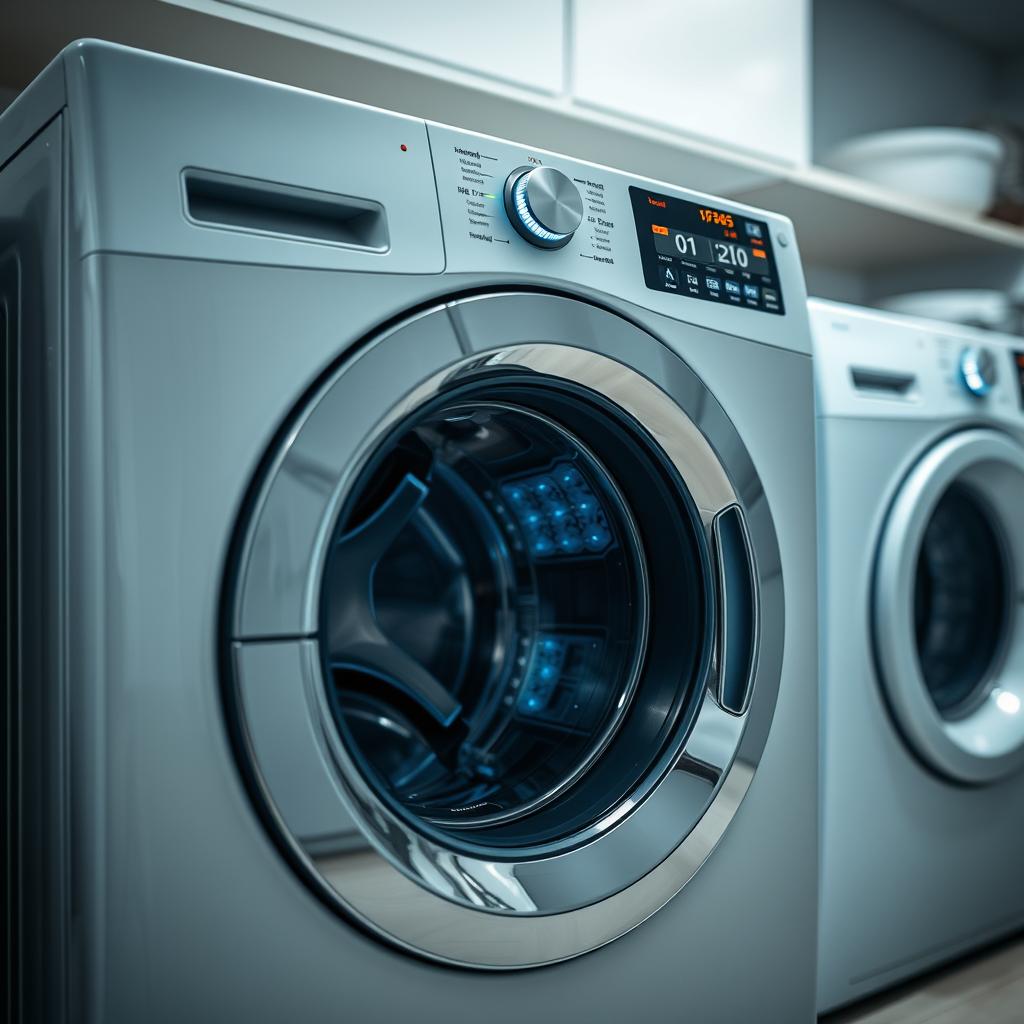
Diagnostic mode is a built-in testing function programmed into your washing machine’s electronic control board. When activated, it runs the machine through a series of automated tests that check the operation of individual components — the door lock, water inlet valves, drain pump, motor, sensors, and more.
Think of it as a self-check-up for your washer. Instead of running a normal wash cycle, diagnostic mode isolates each component and tests it individually, reporting any failures as error codes on the display. This is the same mode that professional repair technicians use when they come to your home — the difference is that you can access it yourself.
What Diagnostic Mode Can Tell You
- Which specific component has failed or is performing out of specification.
- Stored error codes from recent malfunctions — even ones that seemed to resolve on their own.
- Whether the door lock mechanism is functioning properly.
- Whether the water inlet valves are opening and closing correctly.
- Whether the drain pump is operating at the right speed.
- Whether the motor and drive system are working within normal parameters.
- Whether temperature and pressure sensors are reading accurately.
How to Enter Diagnostic Mode by Brand
Every brand has a different key combination to enter diagnostic mode. Here are instructions for the most common brands in Canadian homes. Note that the exact procedure may vary by model within each brand, so consult your owner’s manual for model-specific instructions.
Whirlpool and Maytag
Whirlpool-manufactured washers (including Maytag, Kenmore by Whirlpool, and Amana) typically use this method:
- Make sure the washer is in standby mode (plugged in, all lights off, door closed).
- Select any three buttons on the control panel (except Power).
- Press those same three buttons in this sequence: press 1st, 2nd, 3rd — then 1st, 2nd, 3rd — then 1st, 2nd, 3rd. Three times in a row, within 8 seconds.
- If successful, all the indicator lights on the panel will illuminate, and the display will show any stored error codes.
- You can then cycle through individual component tests by pressing buttons as indicated on the display.
Samsung
Samsung washers typically enter diagnostic mode through:
- Turn the washer off.
- Press and hold the Delay End and Soil Level buttons simultaneously.
- While holding those buttons, press the Power button.
- Release all buttons when the display changes.
- The machine will begin running through diagnostic tests automatically or display stored error codes.
LG
LG washers use a slightly different approach, often leveraging their Smart ThinQ technology:
- Press the Power button to turn the washer on.
- Press and hold the Spin Speed and Soil Level buttons simultaneously for 3-5 seconds.
- The washer will enter test mode and begin cycling through component tests.
- Alternatively, LG’s Smart ThinQ app (for Wi-Fi-enabled models) has a Smart Diagnosis feature that can diagnose issues through your smartphone.
Bosch
Bosch front-load washers enter diagnostic mode through:
- Turn the program selector to the Off position.
- Press and hold the Spin button.
- While holding Spin, turn the program selector to Permanent Press Cold.
- Wait for the display to show a code — then release the Spin button.
- Turn the selector to different positions to access different test functions.
GE
GE and GE Profile washers typically use:
- Unplug the washer for one minute, then plug it back in.
- Within 30 seconds of restoring power, open and close the lid (top-load) or door (front-load) six times within 12 seconds.
- The washer will enter diagnostic mode and begin running component tests automatically.
Understanding Diagnostic Error Codes
When diagnostic mode reveals error codes, you need to know what they mean. While codes vary by brand and model, here are some of the most common categories:
- F# E# format (Whirlpool/Maytag): The “F” stands for function and the “E” for error. For example, F5 E2 typically means a door lock error, while F8 E1 means a water supply problem.
- Letters and numbers (Samsung): Samsung uses codes like UE (unbalanced load), dE (door error), and 4E (water supply error).
- OE, UE, LE format (LG): OE means drainage error, UE is unbalanced, and LE indicates a motor error.
- E## format (Bosch): Bosch uses E-codes like E17 (water inlet), E18 (drainage), and E21 (motor).
For a deeper look at error codes across all appliance types, visit our guide on how appliance repair enhances home safety.
What to Do with Diagnostic Information
Once you’ve run diagnostic mode and collected the error codes and test results, you have several options:
Fix It Yourself
Some diagnostic results point to simple fixes that any homeowner can handle:
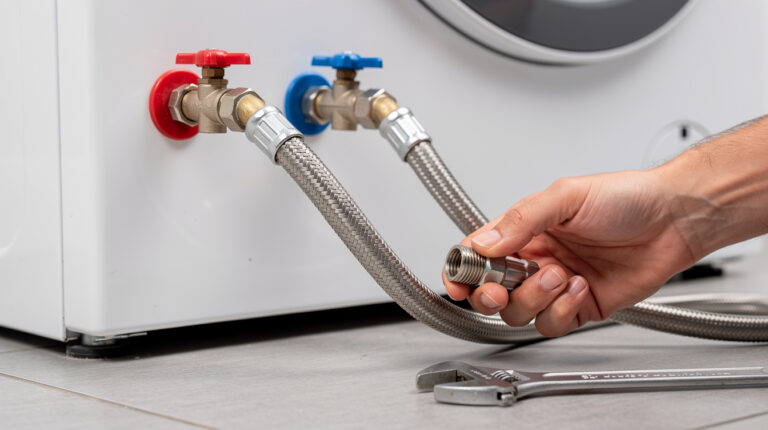
- Water supply error: Check that the water supply valves behind the machine are fully open and the hoses aren’t kinked.
- Drainage error: Clean the drain pump filter (usually accessible from a small panel at the bottom front of the machine), check the drain hose for kinks or clogs.
- Door lock error: Inspect the door seal for obstructions, clean the latch area, check that the door closes firmly.
- Unbalanced load: Redistribute the clothes inside the drum and try again.
Share the Information with a Technician
For more complex issues — motor errors, control board failures, or sensor malfunctions — the diagnostic information is invaluable for a repair technician. Instead of saying “my washer isn’t working right,” you can say “my Samsung washer is showing error code 3E in diagnostic mode, which indicates a motor or hall sensor issue.” This allows the technician to arrive prepared with the likely replacement parts, potentially completing the repair in a single visit.
Clear Error Codes
In some cases, error codes are stored from one-time events that have already resolved (like a single unbalanced load or a temporary water supply interruption). Most washing machines allow you to clear stored error codes through the diagnostic mode. This gives you a clean slate to see if the issue recurs.
Smart Diagnosis: The App-Based Alternative
Many newer washers from Samsung, LG, GE, and Whirlpool have companion smartphone apps that offer a Smart Diagnosis feature. Instead of pressing button combinations, you simply open the app, hold your phone near the washer, and the machine transmits diagnostic data to the app via sound signals or Wi-Fi.
The app then translates the diagnostic information into plain-language explanations and suggested fixes. It’s an incredibly user-friendly alternative to traditional diagnostic mode, though it may not provide the same depth of component-level testing.
Safety Precautions
While diagnostic mode is safe to use, keep these precautions in mind:
- The machine will activate components during testing. The door lock will engage, water valves will open, the drum will spin, and the pump will run. Keep hands, clothing, and children away from the machine during diagnostic tests.
- Don’t interrupt tests midway. Let each test complete before pressing buttons or opening the door. Interrupting a test can sometimes trigger additional error codes.
- Water will be used. Some tests involve filling and draining water. Make sure the drain hose is properly connected and the water supply is available.
- Write everything down. Error codes can scroll quickly on some models. Have a pen and paper ready to note down every code that appears.
When Diagnostic Mode Points to a Professional Repair
Diagnostic mode is a powerful tool, but it has its limits. You should call a professional washing machine repair technician when:
- Diagnostic mode reveals motor, control board, or bearing errors.
- The same error code keeps appearing after you’ve attempted the recommended fix.
- You can’t enter diagnostic mode at all (which itself may indicate a control board issue).
- The repair involves electrical components or requires disassembly of the machine.
- You’re not comfortable interpreting the test results or performing the repair.
At Tech Angels Appliance Repair, our certified technicians use diagnostic mode as the first step in every washing machine repair. When you share your diagnostic findings with us, it helps us arrive prepared and resolve the issue faster. Call us at (604) 265-3565 to schedule service throughout the Greater Vancouver area.
Final Thoughts
Diagnostic mode is one of the most underutilized features of modern washing machines. With a simple button combination, you can access the same testing tools that professional technicians use — giving you the power to identify problems, attempt fixes, and communicate more effectively with repair professionals when needed.
The next time your washer acts up, try entering diagnostic mode before anything else. You might find that the problem is simpler than you thought — and even if it’s not, you’ll have the exact information a technician needs to fix it quickly.