When Your Dishwasher Quits on You Mid-Cycle
There’s a particular kind of frustration that comes with opening your dishwasher expecting clean dishes and finding them sitting in murky, lukewarm water instead. A dishwasher that stops mid-cycle is one of the more common appliance headaches—and one that leaves you wondering whether it’s a simple fix or a sign of something more serious.
The truth is, it could be either. Some causes are quick to resolve at home, while others require a closer look from a professional. In this article, we’ll walk through all the likely reasons your dishwasher is stopping before it finishes, what you can do about each one, and how to tell when it’s time to call for backup.
How a Normal Dishwasher Cycle Works
Understanding why your dishwasher stops mid-cycle starts with understanding what happens during a complete cycle. While models vary, most dishwashers follow this general sequence:
- Fill — The machine fills with water through the inlet valve.
- Wash — The pump circulates hot water through the spray arms.
- Drain — Dirty water is pumped out.
- Rinse — Fresh water fills and rinses the dishes (this may repeat).
- Final drain — All water is pumped out.
- Dry — Heat or fan drying removes remaining moisture.
A dishwasher that stops mid-cycle has encountered a problem at one of these stages. The specific point where it stops can actually tell you a lot about what’s gone wrong.
Common Causes of a Dishwasher Stopping Mid-Cycle
1. Door Latch Problems
Every dishwasher has a door latch and a door switch. The latch physically holds the door closed, and the switch tells the control board that the door is secure. If either component fails or becomes misaligned, the dishwasher will stop running immediately—it’s a built-in safety feature to prevent water from spilling onto your kitchen floor.
What to check:
- Make sure the door is closing fully and latching with a solid click.
- Inspect the latch for any visible damage, warping, or debris that might prevent it from engaging.
- Check whether the door strike (the part on the frame that the latch hooks into) is properly aligned.
- If the latch looks fine but the dishwasher still stops, the door switch itself may be faulty and need replacement.
2. A Tripped Thermal Fuse
The thermal fuse is a safety device designed to shut down the dishwasher if it overheats. If the water temperature gets too high or an internal component runs too hot, the thermal fuse trips and cuts power to the machine mid-cycle.
Common causes of a tripped thermal fuse:
- A malfunctioning heating element that’s running too hot
- Restricted ventilation around the dishwasher
- A failing thermostat that isn’t regulating temperature properly
What to do: A tripped thermal fuse usually needs to be tested with a multimeter and replaced if it’s blown. Since it involves electrical components, this is generally best handled by a qualified technician.
3. Water Supply Issues
If your dishwasher can’t get enough water during the fill stage, it may stop the cycle. The machine expects a certain water level before proceeding, and if that level isn’t reached within a set time, the control board halts the operation.
What to check:
- Make sure the water supply valve (usually under the kitchen sink) is fully open.
- Check the water inlet hose for kinks or blockages.
- Inspect the inlet valve filter screen for mineral buildup or debris. A clogged screen can restrict water flow enough to trigger a mid-cycle shutdown.
- Verify that other water-using appliances aren’t running simultaneously and reducing water pressure to the dishwasher.
4. Drainage Problems
A dishwasher that can’t drain properly will often stop mid-cycle rather than continue filling with water that has nowhere to go. If your machine stops and you find standing water in the bottom, drainage is almost certainly the issue.
We’ve covered this topic in depth in our dishwasher not draining troubleshooting guide, but here are the basics:
- Check and clean the dishwasher filter (usually at the bottom of the tub).
- Inspect the drain hose for kinks, clogs, or improper installation.
- Make sure the garbage disposal knockout plug has been removed (if the dishwasher drains through the disposal).
- Run the garbage disposal before starting the dishwasher to clear any food debris from the shared drain line.
5. A Faulty Control Board
The control board is the brain of your dishwasher. It manages every stage of the cycle, from filling and heating to washing and draining. If the control board develops a fault—due to a power surge, moisture damage, or simply age—it can send incorrect signals or stop sending signals altogether, causing the machine to halt mid-cycle.
Signs of a control board issue:
- The dishwasher stops at random, inconsistent points in the cycle
- Buttons or controls become unresponsive
- The display shows error codes or flashes unusual patterns
- The machine sometimes completes a cycle and sometimes doesn’t
If your machine is displaying error codes, our appliance error code cheat sheet can help you decode what your dishwasher is trying to tell you.
6. A Failing Pump or Motor
The pump and motor are responsible for circulating water during the wash cycle and pumping it out during the drain cycle. If either component is failing, the dishwasher may start a cycle normally but stop once it reaches a stage that requires the pump or motor to work harder.
Signs of pump or motor failure:
- Humming or buzzing sounds without water movement
- The dishwasher fills with water but doesn’t spray
- Grinding or unusual noises during the wash cycle
- The machine stops consistently at the same point in the cycle
7. Overloading or Improper Loading
This one surprises a lot of people, but how you load your dishwasher can actually cause it to stop mid-cycle. If dishes block the spray arms from rotating, or if a large item prevents the detergent dispenser from opening, the machine may detect a problem and shut down.
Tips for proper loading:
- Make sure nothing is blocking the spray arms—spin them by hand before starting a cycle to confirm they move freely.
- Don’t let tall items in the lower rack block the detergent dispenser.
- Avoid overcrowding. Water and detergent need room to circulate.
- Place large pots and baking sheets along the sides and back, not in the center where they can obstruct water flow.
8. Power Interruptions
Sometimes the simplest explanation is the right one. A brief power fluctuation—even one short enough that you don’t notice the lights flicker—can reset your dishwasher and stop the cycle. This is especially common during storms or in areas with unstable electrical supply.
What to check:
- See if the dishwasher’s display has reset or gone blank.
- Check your circuit breaker panel for any tripped breakers.
- Make sure the dishwasher’s power cord is firmly plugged in (if it uses a plug rather than being hardwired).
- If power interruptions happen frequently, consider plugging the dishwasher into a surge protector rated for appliances.
9. Float Switch Stuck or Malfunctioning
The float switch is a small device in the bottom of the dishwasher tub that monitors water level. When the water rises to the correct level, the float triggers a switch that tells the inlet valve to stop filling. If the float gets stuck in the “up” position—often due to food debris or a stuck mechanism—the dishwasher thinks it’s overfilling and shuts down as a safety precaution.
How to check: Look for a small dome-shaped plastic piece at the bottom of the tub. Gently lift and lower it—it should move freely up and down. If it feels stuck, clean around it to remove any debris.
Troubleshooting Step by Step
If your dishwasher has stopped mid-cycle, here’s a systematic approach to figuring out what’s wrong:
Step 1: Note When It Stops
Pay attention to when in the cycle the dishwasher stops. Does it stop during filling? During washing? During draining? This narrows down the likely cause significantly.
Step 2: Check for Error Codes
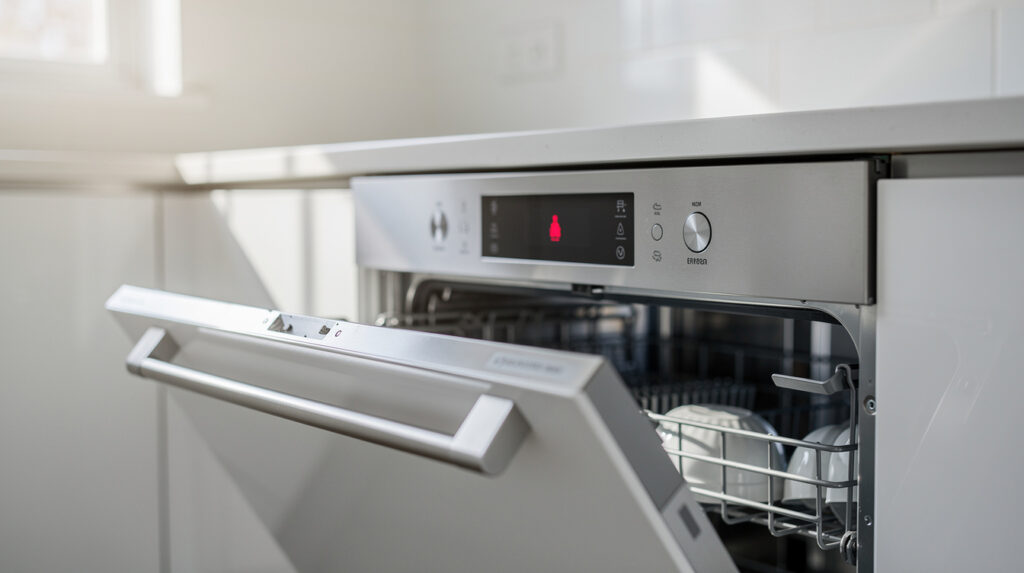
Many modern dishwashers display error codes when they detect a problem. Check your display panel and consult your owner’s manual (or search online for your specific model’s error codes) to decode the message.
Step 3: Inspect the Basics
Before diving into more complex diagnostics:
- Make sure the door latches properly
- Verify the water supply is on and flowing
- Check for any visible blockages in the filter or drain
- Ensure nothing is blocking the spray arms
- Confirm the circuit breaker hasn’t tripped
Step 4: Try a Reset
Many dishwasher issues can be resolved with a simple reset. Turn off the dishwasher, unplug it (or flip the breaker), wait 5 minutes, then restore power and try running a cycle again. This clears any temporary glitches in the control board.
Step 5: Run an Empty Cycle
Try running the dishwasher empty on a normal cycle. If it completes successfully, the problem may be related to how you’re loading the machine. If it still stops, the issue is mechanical or electrical.
When It’s Time to Call for Help
Some mid-cycle stops are easy to fix at home—cleaning a filter, adjusting how you load dishes, or resetting the machine. But several situations call for professional service:
- The machine consistently stops at the same point — This suggests a specific component failure (pump, motor, valve) that needs diagnosis.
- You see or smell burning — Turn off the dishwasher immediately and call a technician. This could indicate an electrical problem.
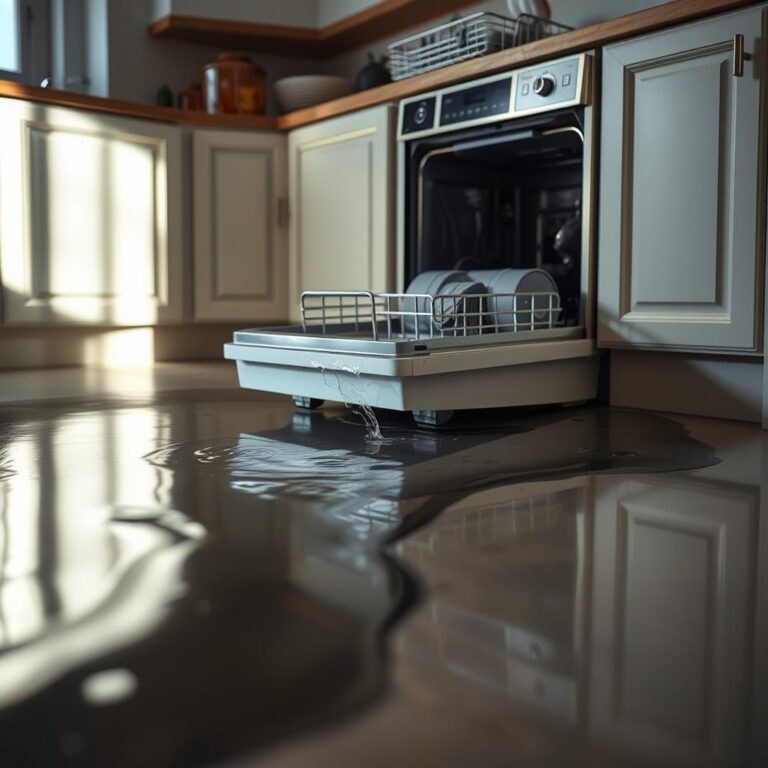
- Water is leaking — A dishwasher that stops and leaks may have a failed seal, cracked hose, or pump issue. Our guide on fixing a leaky dishwasher can help you assess the situation.
- Error codes persist after a reset — Recurring error codes indicate a hardware problem that won’t go away on its own.
- The control board is unresponsive — If buttons don’t respond or the display is erratic, the control board likely needs repair or replacement.
The Tech Angels team handles dishwasher diagnostics and repairs throughout the Vancouver area. If your dishwasher keeps quitting on you mid-cycle, a professional diagnostic can save you time and prevent further damage to the machine.
Preventing Future Mid-Cycle Stops
Once your dishwasher is back to completing full cycles, these habits will help keep it that way:
Clean the Filter Regularly
Most modern dishwashers have a removable filter that catches food debris. Clean it every week or two to prevent clogs that can cause drainage issues and mid-cycle shutdowns.
Load Thoughtfully
Take an extra moment to make sure spray arms can rotate freely, nothing is blocking the detergent dispenser, and dishes aren’t overcrowded. Good loading habits prevent mechanical interruptions.
Run Hot Water Before Starting
Before you start a dishwasher cycle, run the hot water tap at your kitchen sink until it’s hot. This ensures the dishwasher begins with hot water right away, which helps the cycle run more efficiently and reduces the strain on the heating element.
Don’t Ignore Warning Signs
If your dishwasher has started making unusual noises, taking longer than normal, or occasionally not draining completely, those are early warning signs. Addressing them now can prevent the more disruptive problem of a complete mid-cycle shutdown later.
Schedule Regular Maintenance
An annual maintenance check can catch worn parts, loose connections, and other potential issues before they cause your dishwasher to stop unexpectedly. It’s a small investment that extends your machine’s lifespan and keeps it running reliably.
The Bottom Line
A dishwasher stopping mid-cycle is inconvenient, but it’s rarely a mystery. By systematically checking the door latch, water supply, drainage, and loading pattern, you can often identify and resolve the issue yourself. For problems involving the control board, pump, motor, or electrical components, professional service ensures the repair is done safely and correctly.
The key is not to ignore it. A dishwasher that stops once will almost certainly do it again—and the underlying cause may worsen over time. Whether it’s a quick DIY fix or a call to a technician, getting your dishwasher back to finishing its job will save you time, water, and the hassle of hand-washing dishes you thought were being taken care of.